

Fixing a specific thing
Each of these is a distinct request — naming the one you want beats “make it better”. You can type them, or open Quick Actions in the editor’s chat panel and pick one: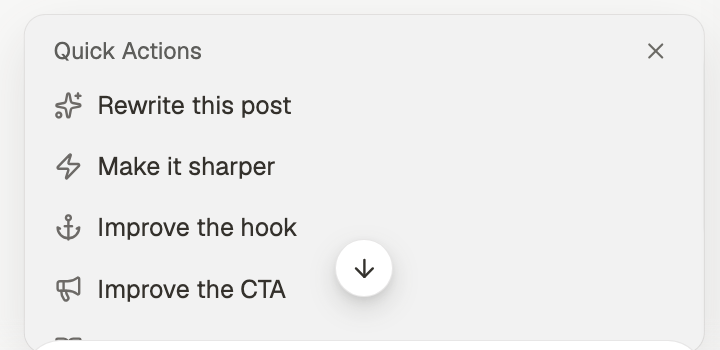
Changing who it’s for, or how it sounds
One-click actions
When a chat is attached to a post, these appear as buttons above the message box, so you don’t have to type the instruction. Same actions, fewer keystrokes.Knowing when to stop
Each pass moves the draft, but not always forward. Two or three rounds is usually where it peaks; past that you tend to sand off the specifics that made it yours. If you’re several passes in and it’s worse, go back to an earlier version rather than asking for another rewrite. The editor keeps revisions.Related
Create a post
Where the draft comes from.
Give chat the right context
Why fewer sources help when improving.
Edit a post
Revisions, and finishing the draft.
Repurpose
When it’s right but wants another format.