

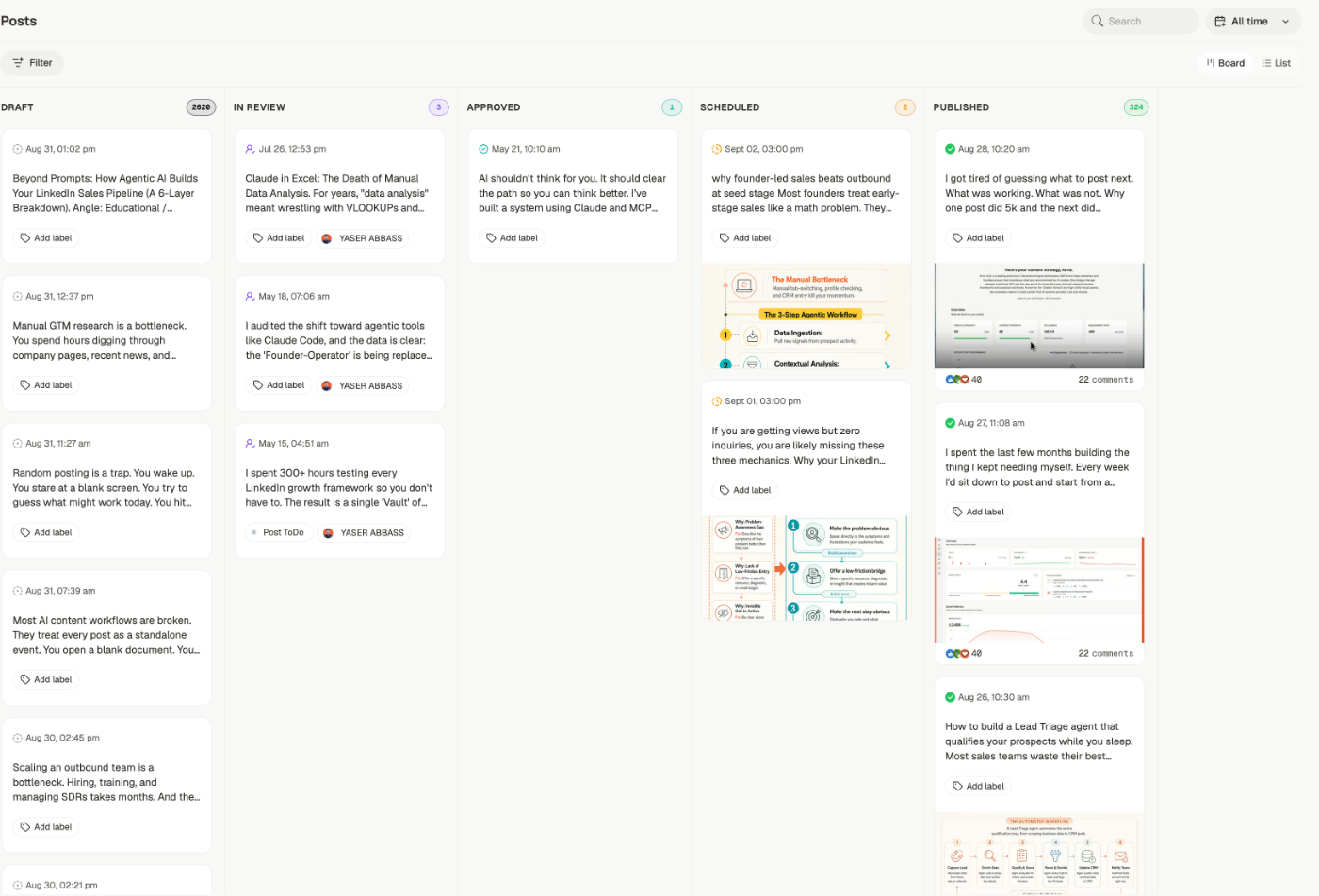
Board or list
Use the toggle in the top right.Board
A column per status, with a count on each. Best for seeing what’s stuck and moving
things along.
List
The same statuses as collapsible sections, one post per row. Better once a status holds
hundreds, or when you’re scanning titles rather than dragging cards.
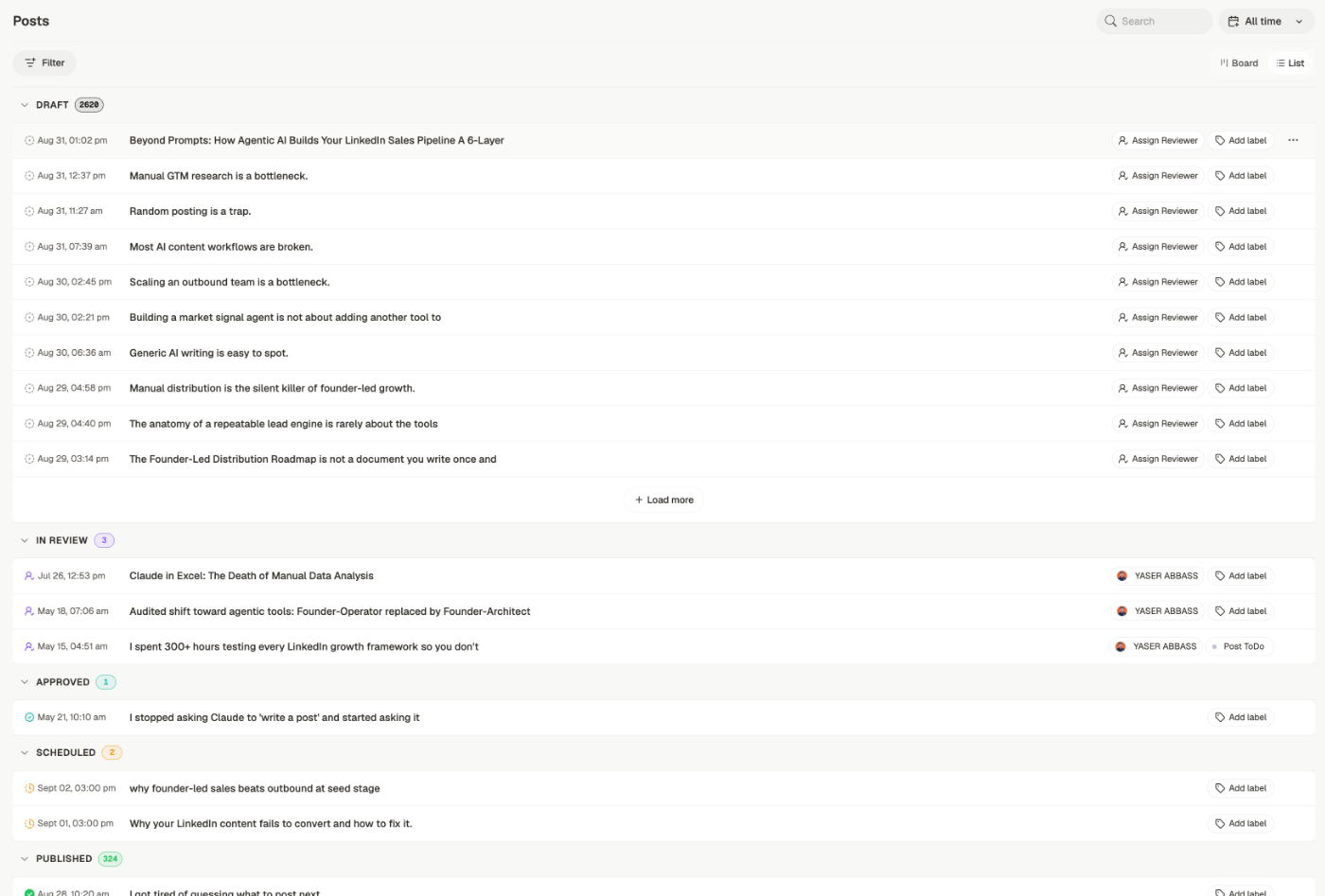
Finding a post
- Search by content
- Filter by status, label, content type, format, pillar, reviewer, and brand — pillars are the recurring themes set by a content plan
- All time to restrict by date
- Load more at the bottom of a long column
What’s on a card
Each card shows the date, the opening of the post, and any label. Where a reviewer is assigned, they appear on the card too — so you can see at a glance what’s waiting on someone. Add label is right on the card, so you can tag without opening the post.Moving work along
On the board, drag a card between columns to change its status. That’s the quickest way to move a batch of drafts into review.Related
Post statuses
What each column means and how a post moves between them.
Edit a post
Writing, formatting, and preparing to publish.
Review and approval
Reviewers, comments, and decisions.
Calendar
The same posts, arranged by when they go out.