

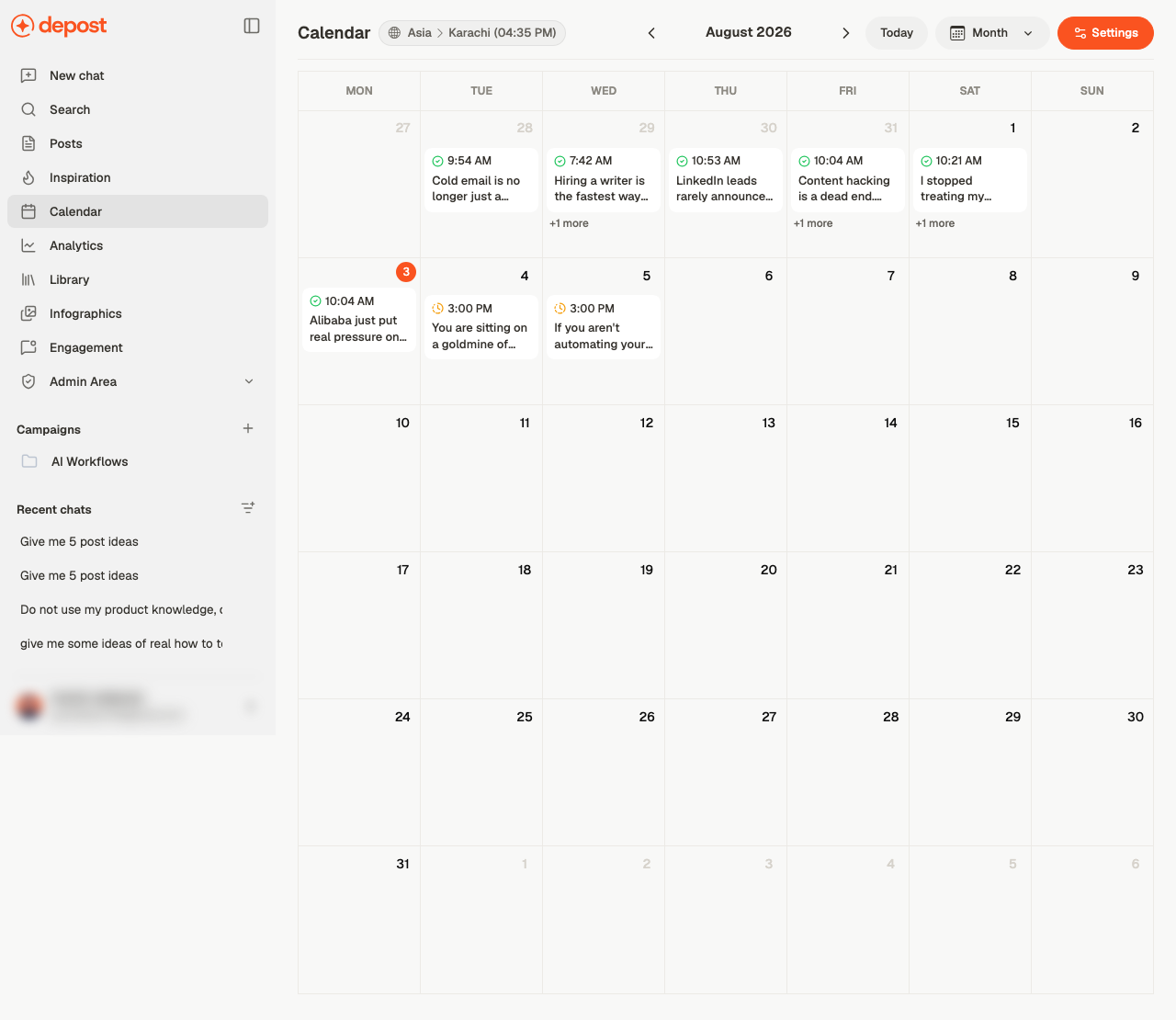
Getting around
- Month switches the view
- The arrows either side of the month move through time
- Today brings you back
- Your timezone is shown at the top, next to the current local time — worth glancing at if you work across regions
Working with a post
Click a post to open it. Post actions on each entry covers the rest without leaving the calendar. Drag a post to a different day to reschedule it. That’s the fastest way to space out a week that’s become lopsided.Empty slots
If Show Empty Slots is on, your unused posting times appear on the calendar as gaps you can fill. It turns the calendar from a record of what’s scheduled into a prompt for what isn’t — which is the more useful of the two.Related
Schedule settings
Timezone, posting windows, and preferences.
Schedule or publish
Getting a post onto the calendar.
Posts
The same posts, arranged by status instead of date.
Post statuses
What Scheduled, Published and Failed mean.