

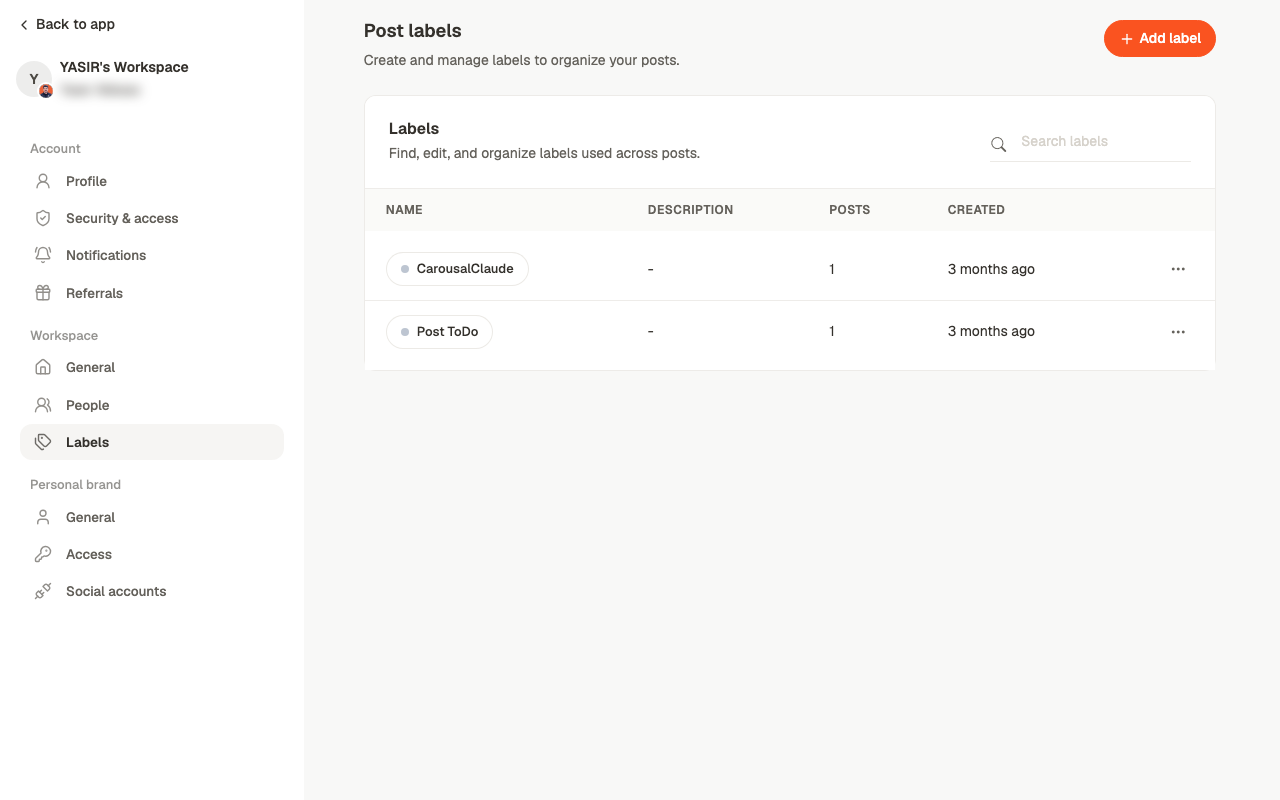
Labels are workspace-level. A label you create is available to everyone and on every
brand — which is what makes them useful for a shared workflow, and worth naming carefully.
Where labels show up
- On post cards in Posts, where Add label applies one without opening the post
- In the editor, alongside content type and reviewer
- As a filter on the Posts screen and the board
What to use them for
The useful pattern is labelling something the status can’t already tell you. Status covers where a post is in the pipeline; labels are for everything else:- The client or business unit, when a brand covers several
- The content pillar or theme
- Who owns it on the client side
- A campaign the post belongs to
Related
Posts
Filtering by label.
Settings
Which of account, workspace or brand holds what.