

Where chats live
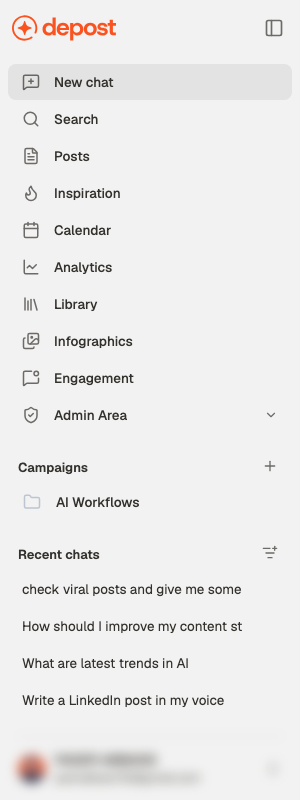
The sidebar shows Recent chats — what you’ve worked on most recently. The control beside that heading, Filter chats, switches what the list shows:All chats
Everything. The default.
Favorites
Threads you’ve starred — the handful worth returning to.
Archived
Out of the way, but not deleted.
Search across everything
Search in the sidebar, or ⌘K anywhere, opens one box that looks in three places at once: your chats, your posts, and your campaigns.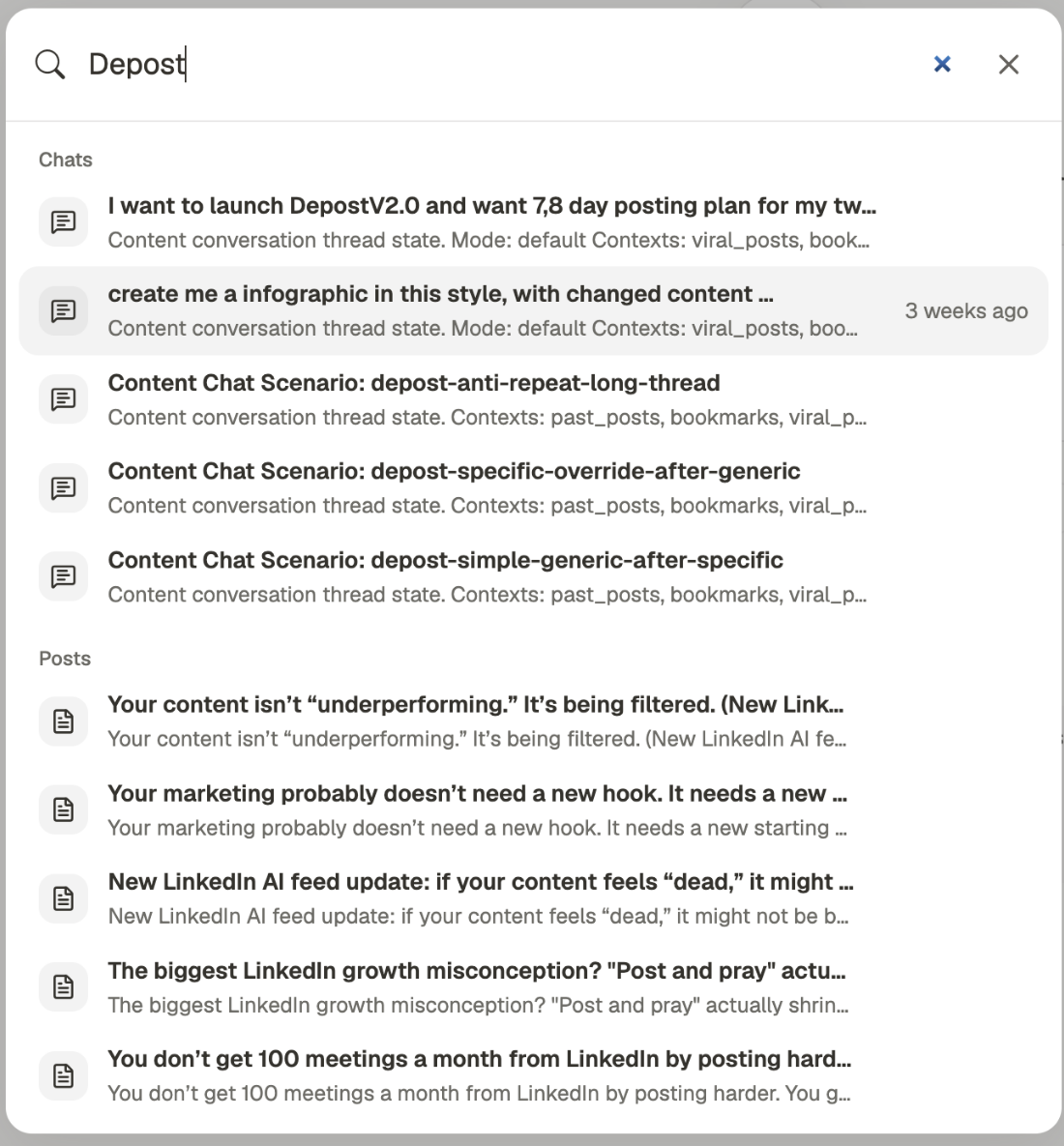
Rename a thread
Chats get an automatic title. Open the chat’s actions menu and rename it. Worth doing for anything you’ll come back to — automatic titles are fine for finding a thread this week and useless for finding it next month.Campaigns
A campaign is a folder for related chats. Use one when a piece of work spans several conversations: a product launch, a recurring content theme, or a specific client.1
Create the campaign
Use New campaign — the + beside the Campaigns heading in the sidebar.
2
Move chats into it
Open a chat’s actions menu and choose Move to campaign. A chat belongs to one
campaign at a time.
3
Work inside it
Opening a campaign shows only its chats, so a launch stays separate from everything else.
Archiving
Archive a chat when it’s finished but you don’t want it gone. Archived chats stay searchable and can be brought back with Restore. An archived chat is read-only until you restore it — you’ll see Chat is archived in place of the message box. Archiving is the right default for finished work. Deleting is for things you’re certain you’ll never want.Keeping it manageable
Favorite the threads with reusable thinking
Favorite the threads with reusable thinking
Not the ones with good posts — those are in Posts already. Favorite the threads where
you worked out positioning, an angle that keeps paying off, or a prompt that works.
Search before starting fresh
Search before starting fresh
Continuing an existing thread keeps its context. Starting a new one throws it away and
you re-explain everything.
Related
How chat works
Starting a chat and what you can ask for.
Give chat the right context
Choose which of your material Depost AI draws on.